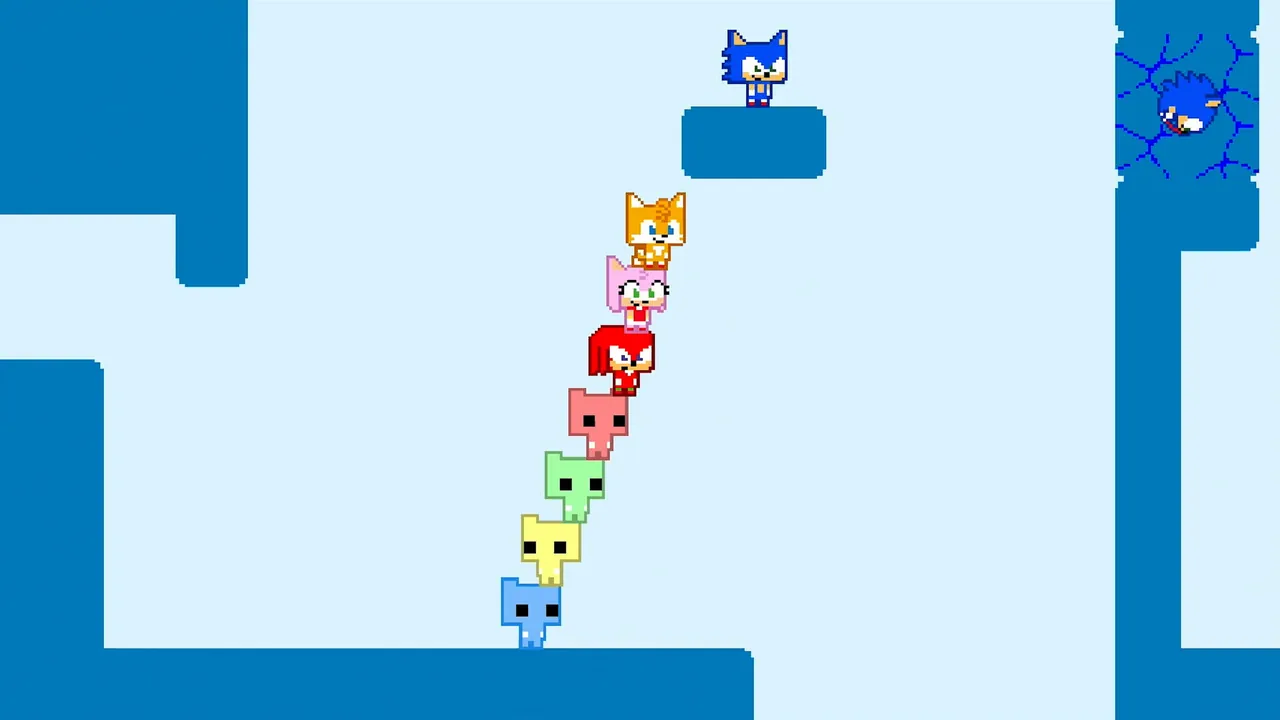
 Official SONIC PICO PARK imagery; in-game systems may change after updates.
Finding the best Sonic Pico Park GIF clips lets you share the chaotic multiplayer puzzle energy of the latest crossover game with your friends across Discord, social media, and messaging apps. Released on November 12, 2026, for $9.99 by developers TECOPARK and publishers PICO PARK Inc., this 2D co-op title blends classic Sonic mechanics like the Spin Dash, rings, loops, and springs with the signature cooperative platforming of the PICO PARK series.
Where to Find Official Sonic Pico Park GIFs
Finding clean, high-quality animated clips of Sonic, Tails, Knuckles, and Amy racing alongside PICO CAT usually starts on verified social channels and community hubs. Major announcements, gameplay teasers, and update reveals hosted on platform accounts often get converted into searchable reaction stickers. Because the game supports 2 to 8 players locally or online, community members frequently capture hilarious co-op wipeouts and synchronized jumps to turn into shareable loops.
How to Create Your Own Custom GIFs
If existing reaction libraries do not capture a specific moment from your playthrough, recording your own gameplay footage is the easiest workaround. You can use standard screen-capture software to record a funny co-op fail or a smooth Spin Dash chain, then run the video file through an online converter or editor.
- Record a short 3-to-5-second clip of your multiplayer session highlighting a funny moment or clean platforming maneuver.
- Trim the video file down to remove any unnecessary menus or loading screens to keep the file size optimized for messaging apps.
- Upload the trimmed video file to a trusted browser-based conversion tool or GIF maker.
- Export the final file in standard
.gifformat, ensuring the dimensions fit chat upload limits.
Comparing Ways to Share Sonic Pico Park Media
Different platforms handle media formats differently, meaning a direct video upload might work better than an animated image file depending on where you post.
| Sharing Method | File Format | Best Used For | Pros & Cons |
|---|---|---|---|
| Direct GIF Upload | .gif | Discord chats, forum posts, quick reactions | Universal compatibility, but larger file sizes can reduce image quality. |
| Short Video Clip | .mp4 / .webm | Twitter / X, Reddit, Instagram Reels | Higher resolution and smoother frame rates, but lacks automatic looping on certain clients. |
| Platform Stickers | Custom platform assets | Telegram, WhatsApp, Discord servers | Easy quick-access from sticker menus, but requires manual server or app uploads. |
Checking Unverified Media and Community Assets
Because community libraries update constantly, you may occasionally encounter fan-made edits or mockups mixed in with official game footage. If you need to verify whether a specific character animation or stage layout belongs to the actual release, check the official Steam store page or developer announcements to cross-reference official gameplay elements. Reviewing recent trailer footage helps ensure the memes and loops you share accurately reflect the mechanics and character designs featured in the game.
FAQ
Where can I download official Sonic Pico Park GIFs?
Official animated clips frequently appear on verified community channels, developer social media pages, and major GIF hosting platforms shortly after new trailers or updates drop.
Can I make GIFs directly from Steam gameplay?
You can use third-party screen-recording software to capture your gameplay sessions on Windows or Mac, then convert those video files into animated images using online tools.
Do online platforms automatically loop shared gameplay clips?
Many modern messaging apps and social media platforms support short .mp4 video loops natively, which often provide better color quality and smaller file sizes than traditional .gif files.
What platforms is Sonic Pico Park available on?
The game is currently available on Steam for Windows and Mac systems, priced at $9.99 with full support for local and online cross-play multiplayer.