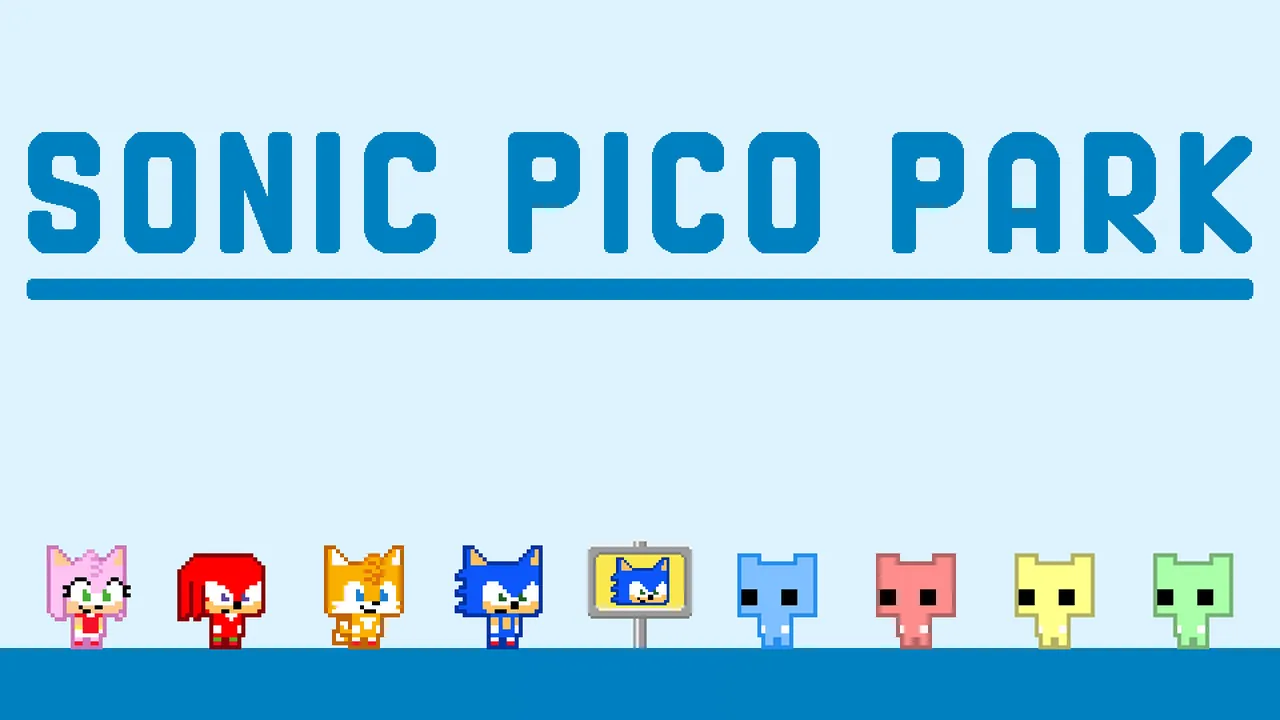
 Official SONIC PICO PARK imagery; in-game systems may change after updates.
Sonic Pico Park is available on Steam as a 2D action puzzle multiplayer co-op game developed by TECOPARK and published by PICO PARK Inc. Released on November 12, 2026, for $9.99, this official crossover brings SEGA's legendary blue blur into the smash-hit indie puzzle franchise on Windows and macOS.
What is Sonic Pico Park on Steam?
The game combines the classic teamwork-heavy puzzle mechanics of the original franchise with the fast-paced world of Sonic the Hedgehog. In Sonic Pico Park, players must work together to reach the goal plate located on the right side of each stage. Because cooperation is essential, progression relies entirely on communication and synchronized timing among your squad.
This crossover introduces iconic elements from the Sonic universe into the puzzle format. Players can utilize Sonic's signature Spin Dash, navigate through classic loops and springs, and collect rings as they puzzle their way through the stages. Whether you are playing with long-time friends or matching with new teammates online, the gameplay blends chaotic indie co-op fun with high-speed platforming flair.
System Requirements and Platform Compatibility
Before purchasing the game on the Steam store, you should check whether your computer meets the necessary technical specifications for Windows or macOS. The title requires a 64-bit processor and operating system to run smoothly during busy multiplayer sessions.
| Platform | Minimum Requirements | Recommended Requirements |
|---|---|---|
| Windows | Windows 11 (64-bit), Intel Core i5 processor | Not specified in current store data |
| macOS | macOS Sonoma, Apple M1 or Intel processor | Not specified in current store data |
How to Set Up Local and Online Multiplayer
One of the standout features of the game is its flexible multiplayer infrastructure, which accommodates anywhere from 2 to 8 players. You can choose to play locally on a single machine or connect with others online, with support for cross-platform multiplayer.
- Open the Steam client on your PC or Mac and navigate to your library or the store page.
- Purchase and install Sonic Pico Park ($9.99).
- Launch the game from your library.
- Select your preferred mode from the main menu, choosing between local co-op or online matchmaking.
- Invite your friends through the Steam overlay or use the in-game session codes to build your squad of up to 8 players.
Controller Support and Input Options
To coordinate your movements precisely across tricky platforming gaps, having the right controller layout matters. The Steam release features robust compatibility options to ensure seamless setup for various input devices.
- Xbox Controllers: Fully supported out-of-the-box with native button prompts.
- PlayStation Controllers: Fully supported via Steam input configurations.
- Steam Input API: Allows custom key bindings and alternative controller layouts for unique local co-op setups.
FAQ
How much does Sonic Pico Park cost on Steam?
The game is available on the Steam store for $9.99 with no subscription required to access its core features.
Can I play Sonic Pico Park solo?
The game is explicitly designed around multiplayer co-op action and puzzle mechanics, requiring 2 to 8 players to successfully clear stages and solve cooperative challenges.
Does the game support cross-play?
Yes, online play supports cross-play, allowing you to team up with friends regardless of whether they are playing on Windows or macOS.
How many players can join locally from a single PC?
You can host up to 7 local players joining online from a single computer during a multiplayer session.